Scheduler Gateway User Setup
The Scheduler Gateway (normally /bizops/m) uses normal Bizops user logins with a scheduler resource assigned to display in the gateway.
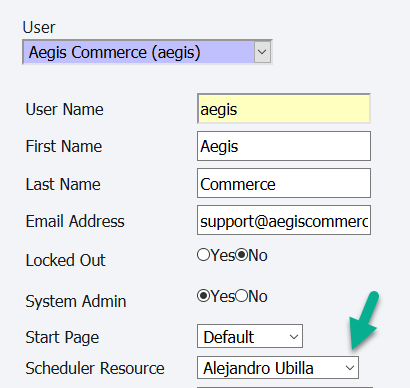
To assign assign a scheduler resource to a Bizops login, go to Admin-->Manage Users. (You must first setup a user login for the resource if one doesn't already exist).
Select the scheduler resource to assign to the login.
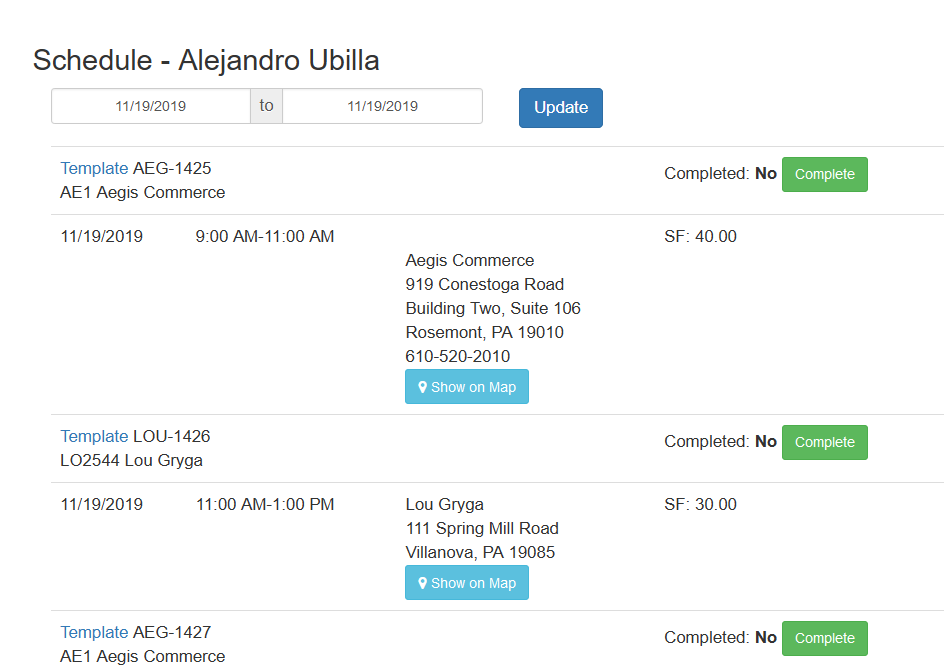
Once the resource is assigned to the login, when they log into the Scheduler Gateway, they will see the scheduled events for that resource.
Copyright 2018 Aegis Commerce Solutions
Toggle navigation